#2063CB
Blue 700
Primary. Logo wordmark, headings, links, primary buttons.
Design system · v1 · October 2026
Security in China is an independent camera-planning site. The identity has one job: make careful, evidence-first work feel friendly enough to use. This page is the reference for how it looks, sounds and moves.
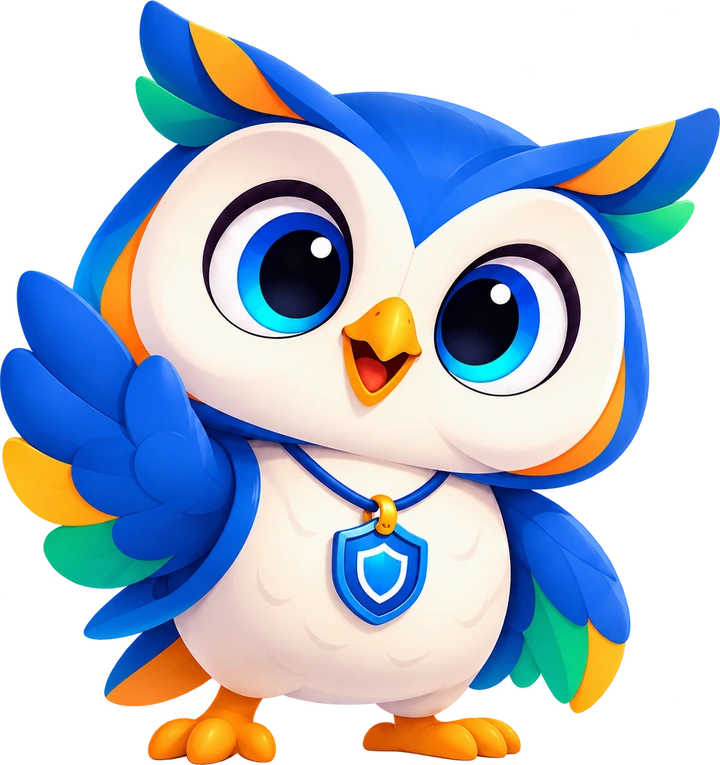
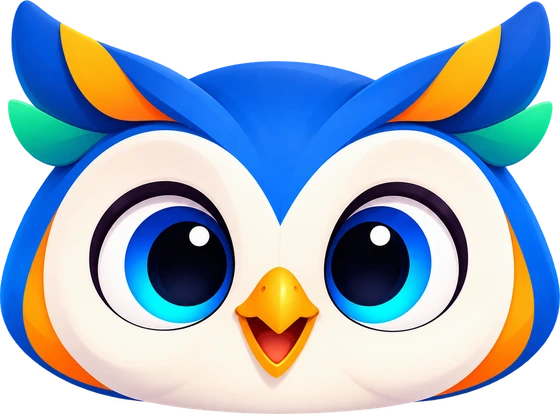
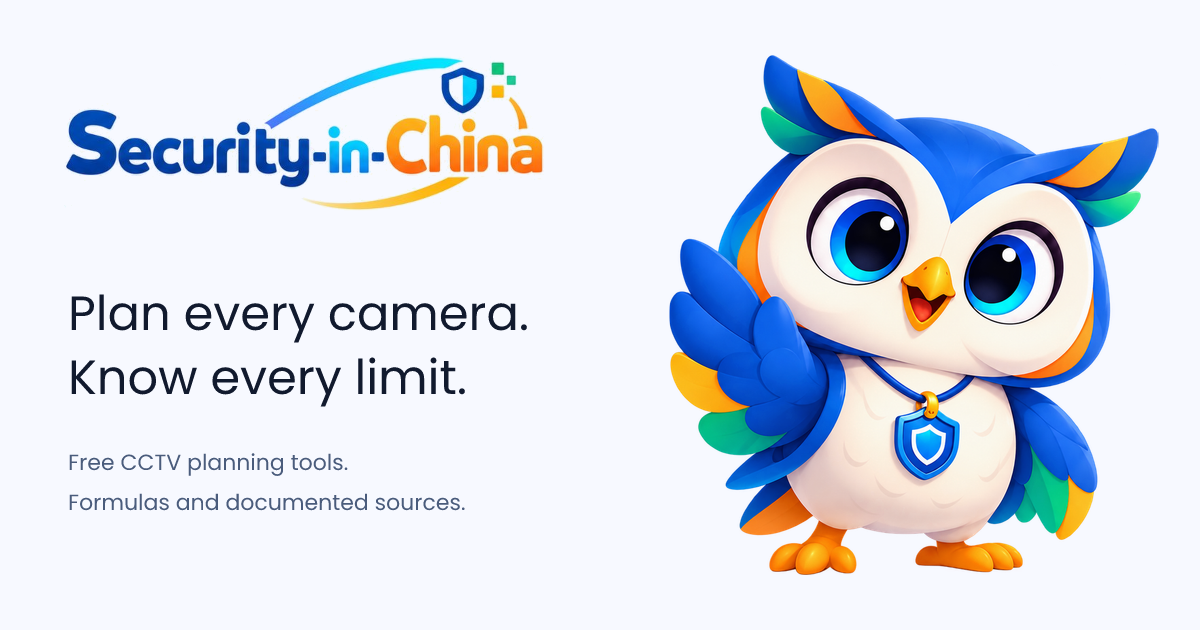
The blue owl is a friendly guide to camera planning. The full body waving pose is the primary illustration across the site. The compact head is reserved for favicons and small app icons.
Why an owl. The name Iris belongs to the coloured ring around the pupil and to the aperture inside a lens. One word covers the animal and the camera, which is most of what this site is about.
How she behaves. She is a colleague, not a salesman. She points at the thing you missed, then gets out of the way. She never celebrates a number that could be wrong, and she is never stern about a mistake in your plan.
What she is made of. Rounded 3D forms, soft studio light, a shield pendant, cream feathers. Deep blue carries the body; amber, coral and teal appear as edges. The illustration is deliberately toy-like: friendly, never threatening.
Four states cover the whole product. Pick by what the reader just achieved, never by how the page is doing.
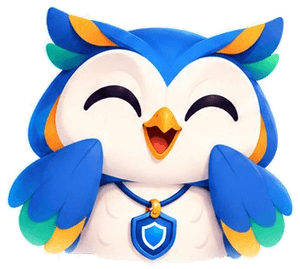
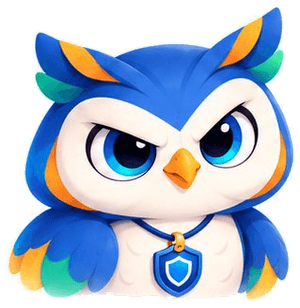
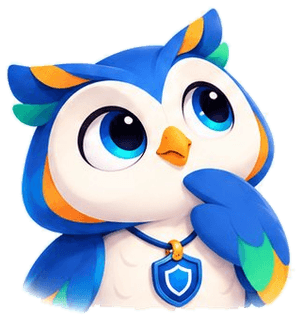
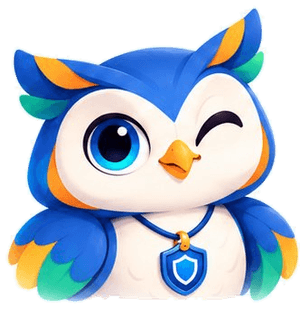
The original Security-in-China wordmark is the site logo. Preserve its lettering, hyphens, blue and orange colours, sweeping arcs and shield. The waving owl introduces the brand; the head is a compact browser and app identifier.


Leave clear space of at least one quarter of the wordmark height (X) on every side. Keep text, rules and other graphics outside this area.
The wordmark is cropped directly from the supplied brand artwork. It is custom lettering, not live Poppins text. Keep the shield and both arcs intact. Use the supplied asset rather than rebuilding the name with a font or attaching a headshot.
Six colours come straight from the mascot. Blue does the work, coral signs the name, and the rest are reserved for meaning rather than decoration.
Primary. Logo wordmark, headings, links, primary buttons.
Interactive accent. Highlights and focus rings; pair with dark text.
Confirmation. Passing constraints, saved plans, positive states.
Attention. Estimates, assumptions, figures that need a caveat.
The word “China”. Warm counterweight to the blue.
Secondary accent. Comparison tools and selected rows.
#111A2E#5A6B8C#93A0BA#D9DFEF#F7F9FF#FFFFFFPages are mostly neutral: white paper, Ink text, Line rules. Blue appears where something is actionable. Accents appear only when they carry a status.
Poppins is the site typeface. Use a system monospace only for formulas, code and technical values. The original wordmark remains image artwork.
Aa Bb Cc 0123
| Role | Size / line | Weight | Where it is used |
|---|---|---|---|
| Display | 48 / 48 | 700 | Brand pages and openers only. Never inside a tool. |
| Heading 1 | 36 / 40 | 600 | Page titles, one per page. |
| Heading 2 | 24 / 32 | 600 | Section breaks inside long pages. |
| Heading 3 | 18 / 28 | 600 | Card titles, panel titles. |
| Body | 16 / 24 | 400 | Default reading size for prose and explainers. |
| Caption | 12 / 16 | 400 | Labels, table cells, helper text. |
| Micro | 12 / 16 | 500 | Source lines, fine print, footnotes. |
Headings tighten to -0.02em. Body copy stays at 0. Figures inside calculators use tabular numbers so digits do not jump while typing.
One open-source line set, drawn on a 24 px grid with a 1.5–1.7 px stroke. Icons are labels, not decoration.




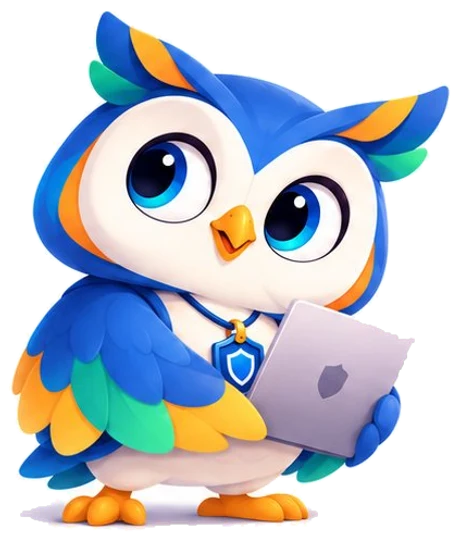
Use the waving owl as the main character. The working pose and expressions support the brand guide. Technical illustrations explain coverage, storage and comparison without replacing the main mascot.
Plain, specific, and honest about the edges of what is known. No adjectives doing the work of evidence.
Name the formula, the document and the review date. A reader should be able to check a number without leaving the page.
“Not established” is a complete answer. Gaps are information, not a failure to be hidden.
One idea per sentence. If a caveat needs a paragraph, it earns a paragraph.
Use the artwork as provided. Do not redraw, recolour or re-typeset any of it. If a format is missing, ask and it will be added.
wordmark.png Original supplied artwork, transparent background. Primary logo logo.svg SVG container with the original raster artwork. Not a redrawn vector. Logo on white backing logo-reverse.svg Original artwork on a white backing for dark surfaces. Mascot, full body mascot-hero.webp 720 px wide, transparent. Mascot, head mascot-head.webp 560 px wide, transparent. Mascot, working mascot-laptop.webp 460 px wide, transparent. Social card social-card.png 1200 × 630, Open Graph and X. App icon icon-512.png 512 × 512, transparent owl silhouette. Shortcut icon favicon.svg Transparent head, no background tile. Includes .ico fallback. This guide uses the mascot artwork supplied for Security in China. Please do not use her in a way that suggests a manufacturer endorsement, a certification, or a tested compatibility claim.